Spreadsheet CMS and KurocoEdge
Overview
Spreadsheet CMS is a service provided by Diverta Inc. that allows user to make modification to their website through the use of Google Sheets as the content management medium and KurocoEdge as the backend.
Spreadsheet CMS works by utilizing the technology from KurocoEdge which uses the latest EdgeProxy technology to optimize and customize your websites.
Generally, Spreadsheet CMS is a standalone service that allows user to make modification to their website using Google Sheets. It does not require any source code modification as it uses KurocoEdge to make the modification to the website on the Edge.
This document aims to explain the interaction and relation between Spreadsheet CMS and KurocoEdge.
To understand more about KurocoEdge, refer to the following documentations.
- KurocoEdge system architecture explains how KurocoEdge works.
- Admin panel user guide
- List of available rules and action types in KurocoEdge.
- Beginner's guide
Signing up for SpreadsheetCMS & KurocoEdge
Generally, signing up for the Spreadsheet CMS service does not provide user access to the KurocoEdge account.
However, if you would like to perform more advanced customization on your website using KurocoEdge's proxy service, we can provide you access to the KurocoEdge account that is linked to your Spreadsheet CMS.
To opt-in to use KurocoEdge, you can contact us on the Spreadsheet CMS landing page or contact our support team.
Relation between Spreadsheet CMS and KurocoEdge
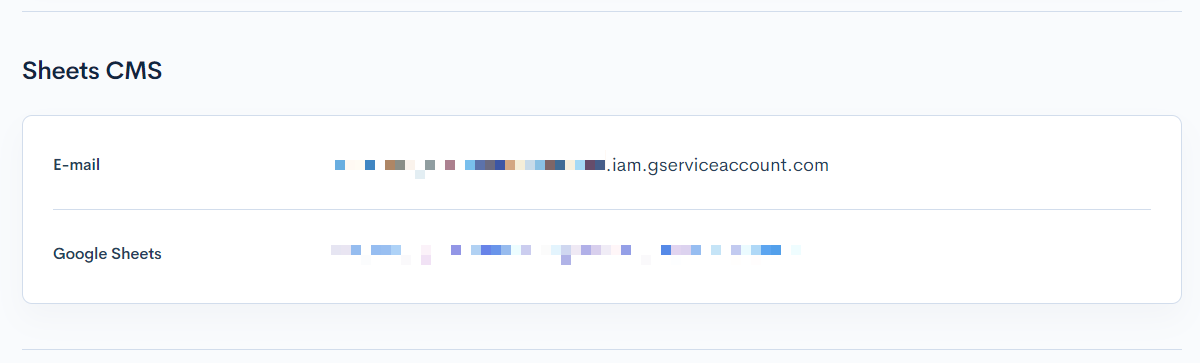
Once you opt-in to use KurocoEdge service alongside the Spreadsheet CMS, you can verify the Spreadsheet CMS settings by going to the Edge settings page.
Under the [Sheets CMS] section, you will be able to see email address that's linked to your Google Sheets and the automatically generated unique key for your Google Sheets. Clicking on the unique key will open your Google Sheets in a new tab.
The following explains the interaction between Spreadsheet CMS and KurocoEdge.
When the changes from Spreadsheet CMS is published, the rules in KurocoEdge will be updated.
If there are changes to the URL column (starting from cell A3~) or changes to the CSS selector (row 2) or the operation (row 3), then the active deployment in KurocoEdge will be cloned and the rule with the unique key in the rule description will be updated.
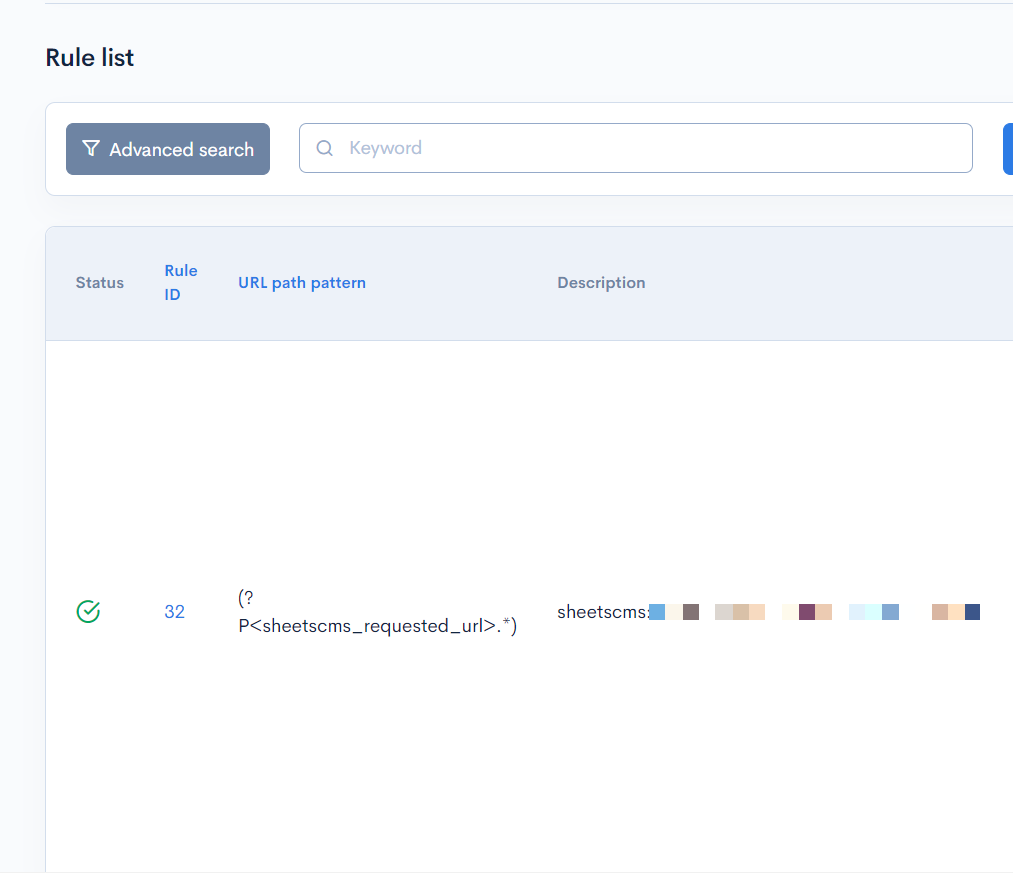
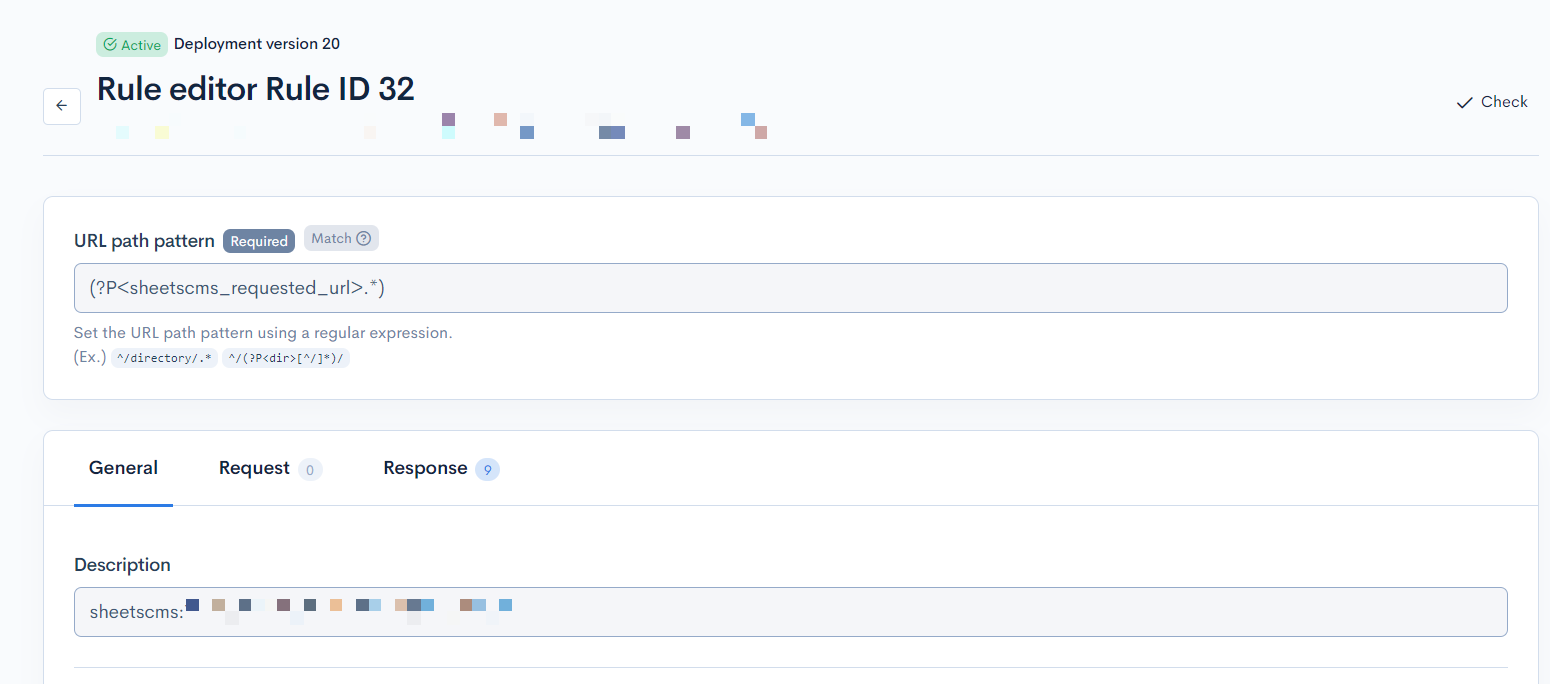
However, if the changes are only made in the content (cell C4~AA999), then the active deployment will not be cloned because the contents from Google Sheets are retrieved by KurocoEdge using API endpoints, which does not require the rule in KurocoEdge to be updated. The rule in KurocoEdge will be updated whenever there are settings (URL, CSS selector, operation) changes as mentioned above.
The unique key in the rule description is used by Spreadsheet CMS to identify the rule in KurocoEdge. If the unique key is modified in the rule description, then the Spreadsheet CMS may no longer be able to identify the rule and may create a new rule instead. This may cause unwanted behaviours.
We highly advise against modifying the rule description of the rule that was created by Spreadsheet CMS.
Adding your own custom rules alongside with Spreadsheet CMS
Custom rules created by you will not be affected when publishing changes from Spreadsheet CMS.
Make sure that all custom rules are in the active deployment so that they are all copied during the next Spreadsheet CMS publish, which would clone the active deployment and update the rule related to Spreadsheet CMS.
Support
If you have any other questions, please contact us or check out Our Discord Community.