Add or Edit Rule
The user can add new Deployment Rules or edit existing ones from the Rules List screen.
The user can add or edit the Rule configurations in Draft mode.
Accessing The Screen
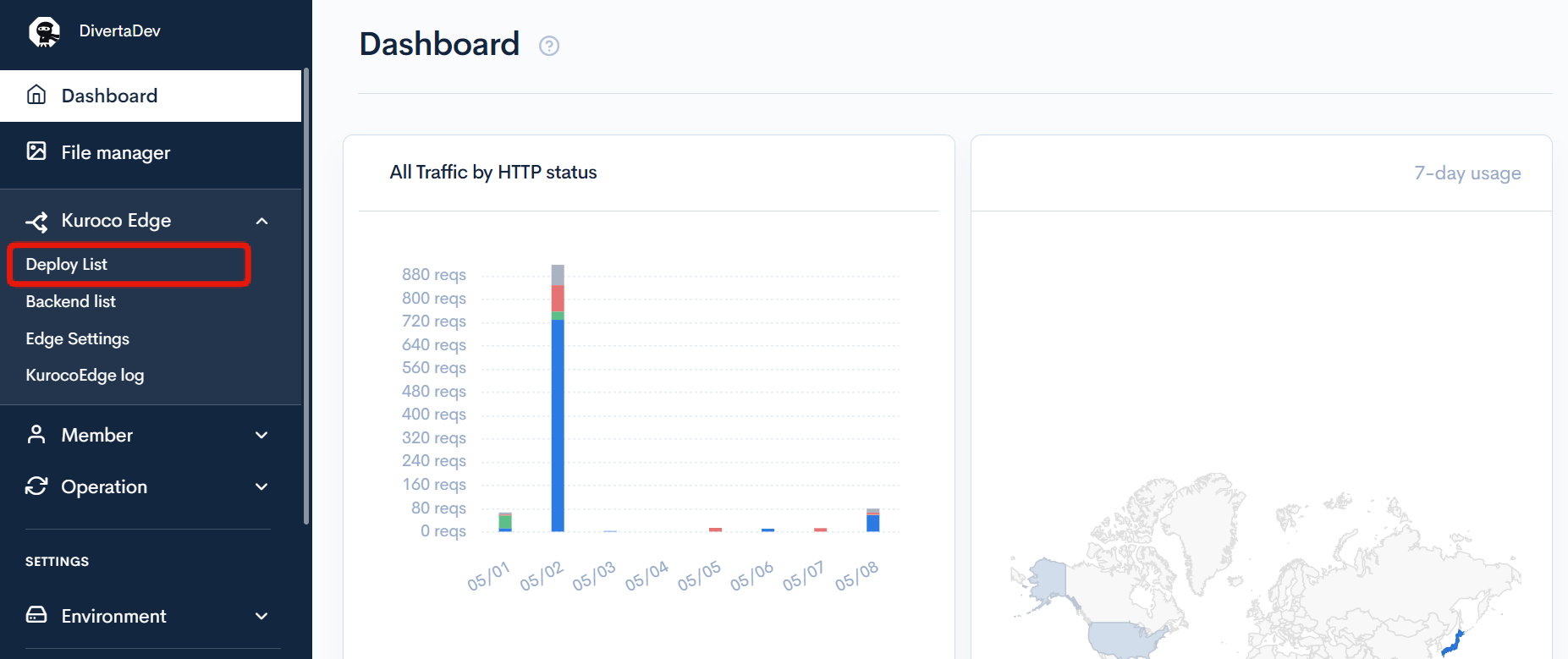
From the left sidebar menu, click [KurocoEdge] -> [Deployment List].
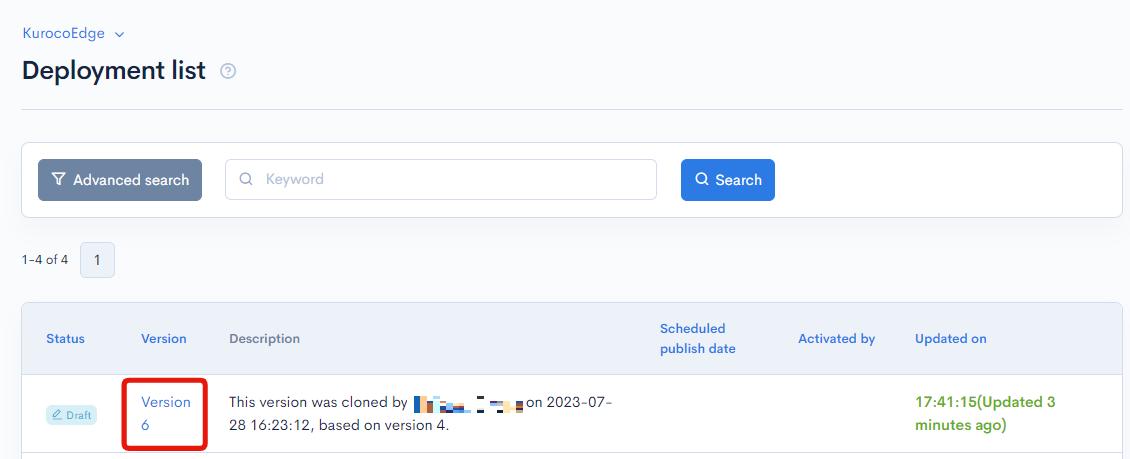
Click on a Deployment's version number to view the Rules List screen.
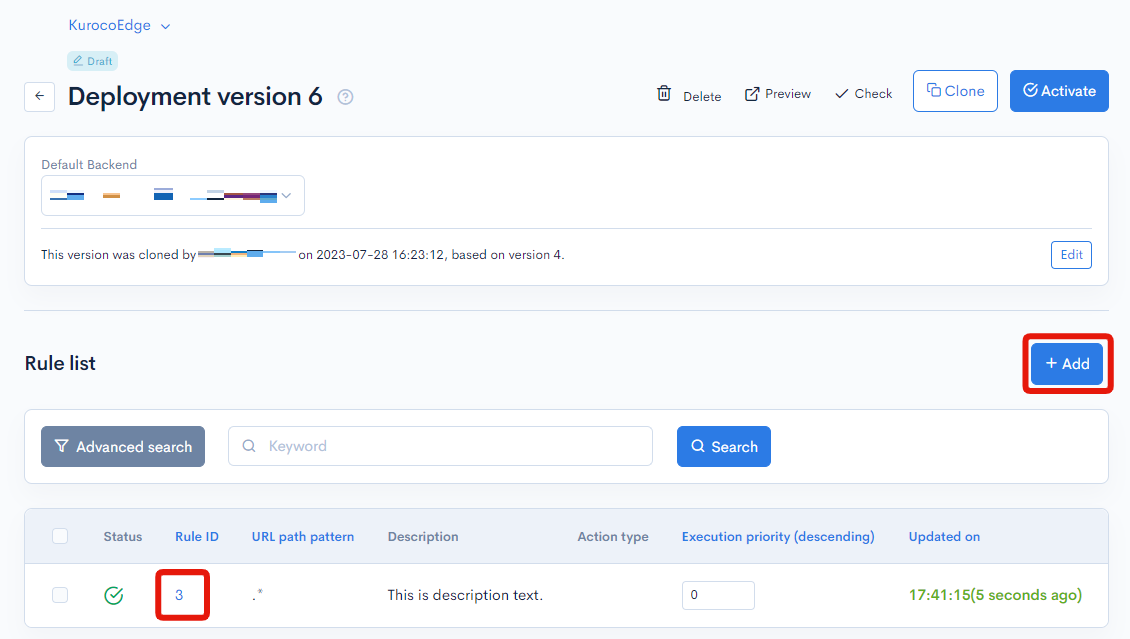
Click on the rule ID from the rule list or click "Add".
Field descriptions
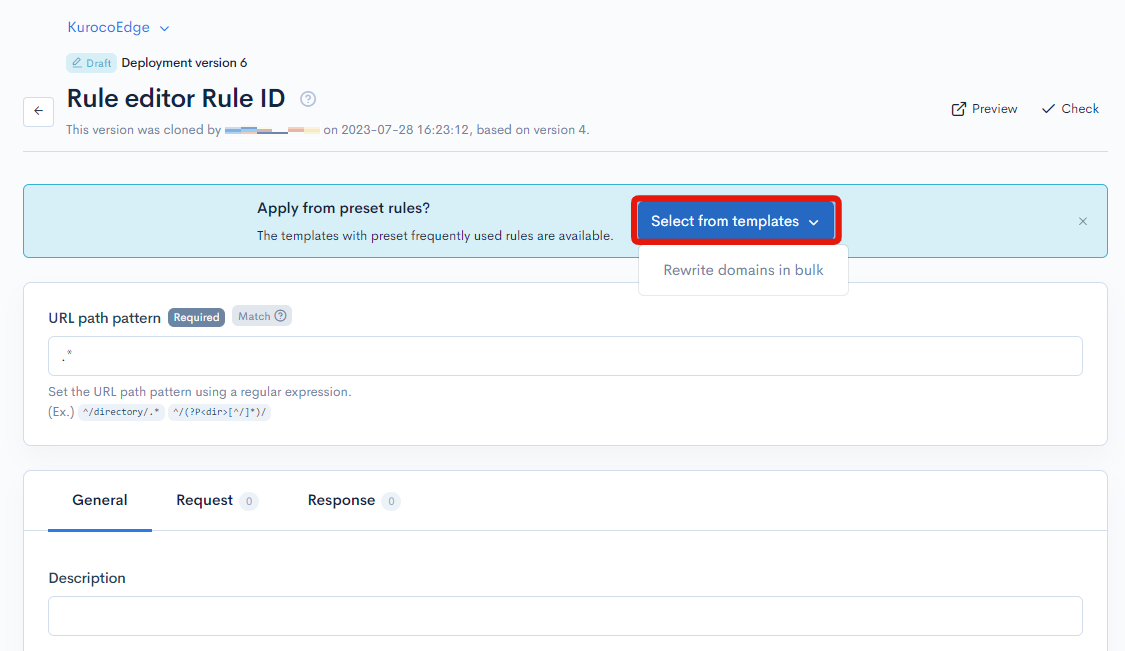
Select from templates
You can select from the preset templates when adding new rules.
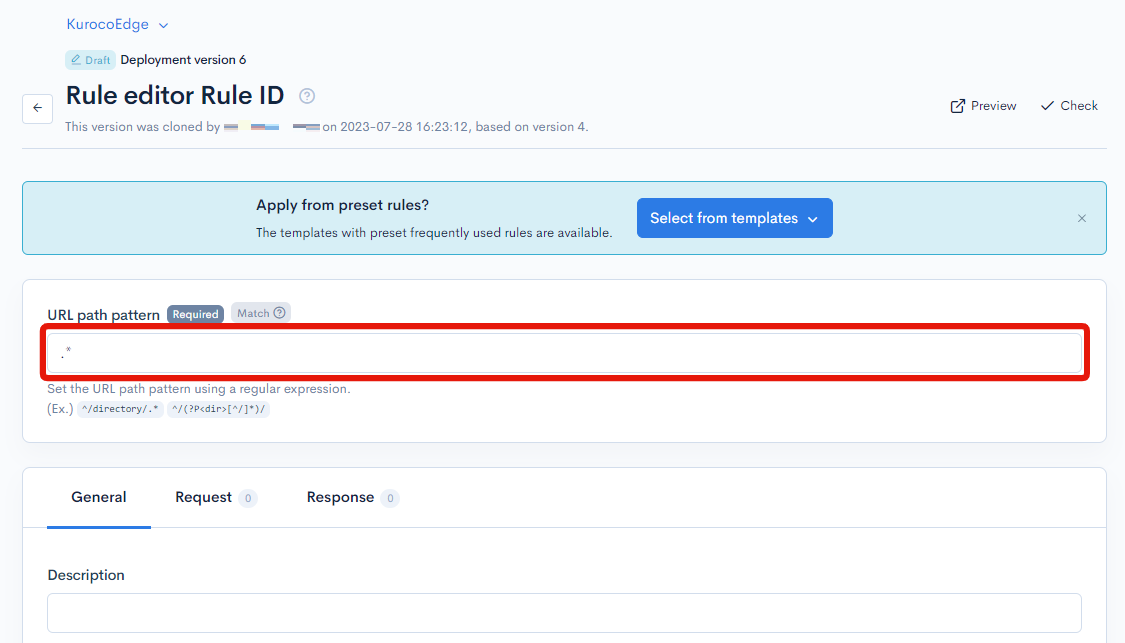
URI Pattern
It is required to enter a regular expression string to set the URL.
General
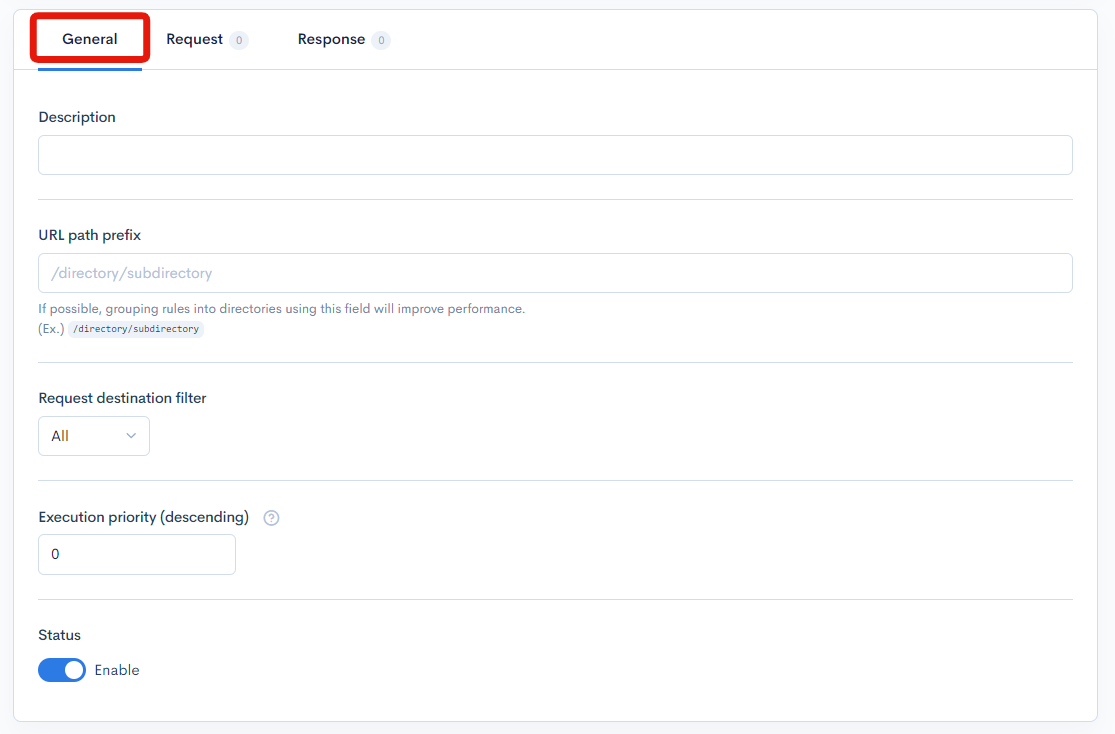
| Item | Description |
|---|---|
| URI Prefix | A directory path for Rule groups |
| Request destination filter | Allows a request destination filter to be set for the Rules. |
| Execution Priority | Allows an order of precedence to be set for the Rules |
| Status | Allows to enable or disable the Rule |
| Description | Rule summary viewable from the Rules List screen |
| Update | Button to save the changes made to the Rule |
Request/Response
Actions
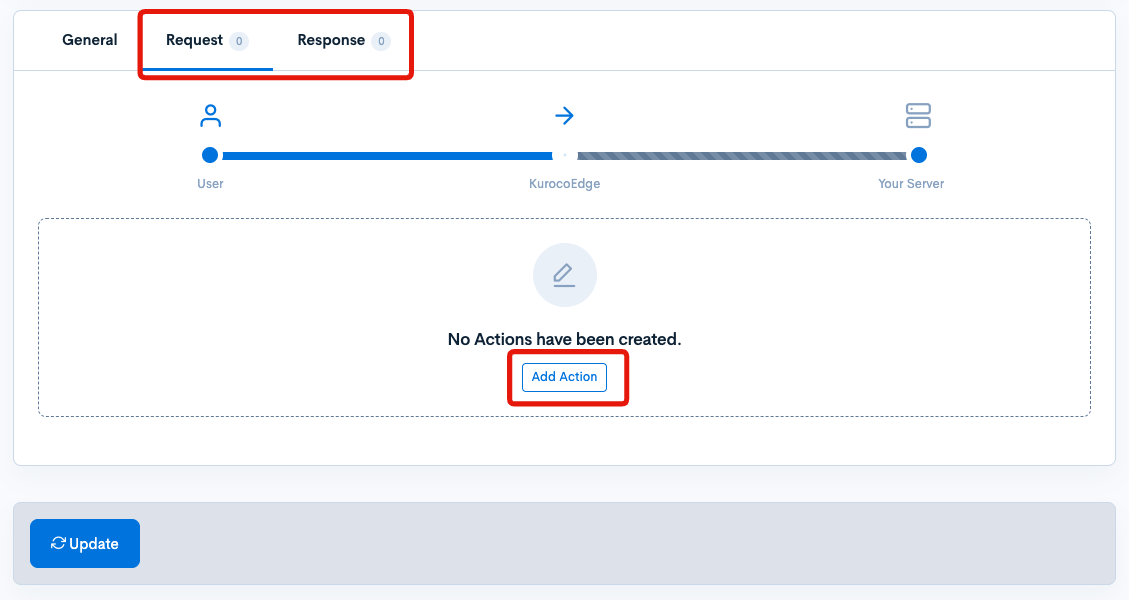
| Button | Description |
|---|---|
| Add Action | Allows the creation of one or more Actions |
Condition/Variable
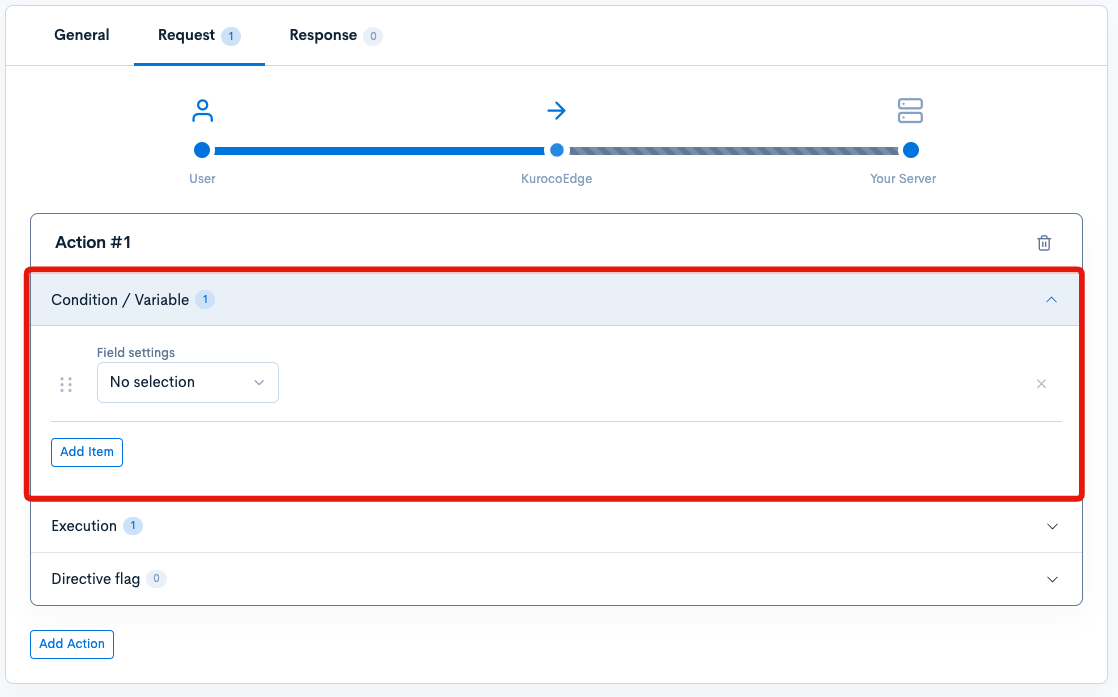
| Item | Description |
|---|---|
| Field settings | Allows the selection of a Rule type from the dropdown. By selecting, detail settings input fields are displayed. |
| Add Item | Allows the creation of one or multiple conditions/datasets |
Execution
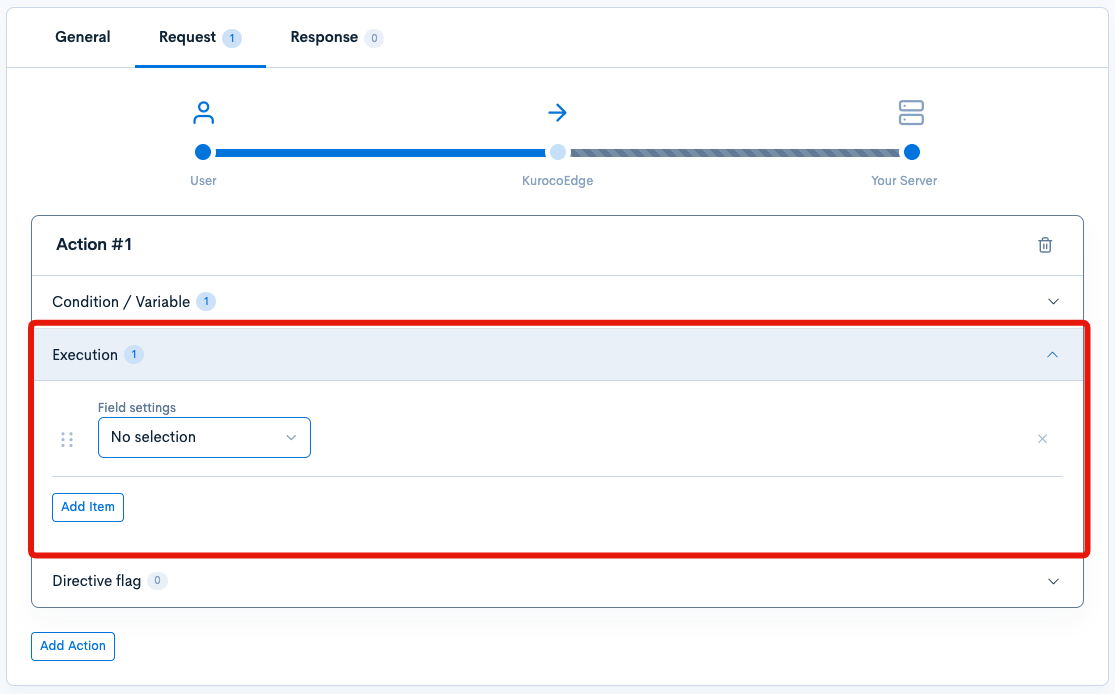
| Item | Description |
|---|---|
| Field settings | Allows the selection of an field settings from the dropdown |
| Add Item | Allows the creation of one or multiple Action types |
Directive Flag
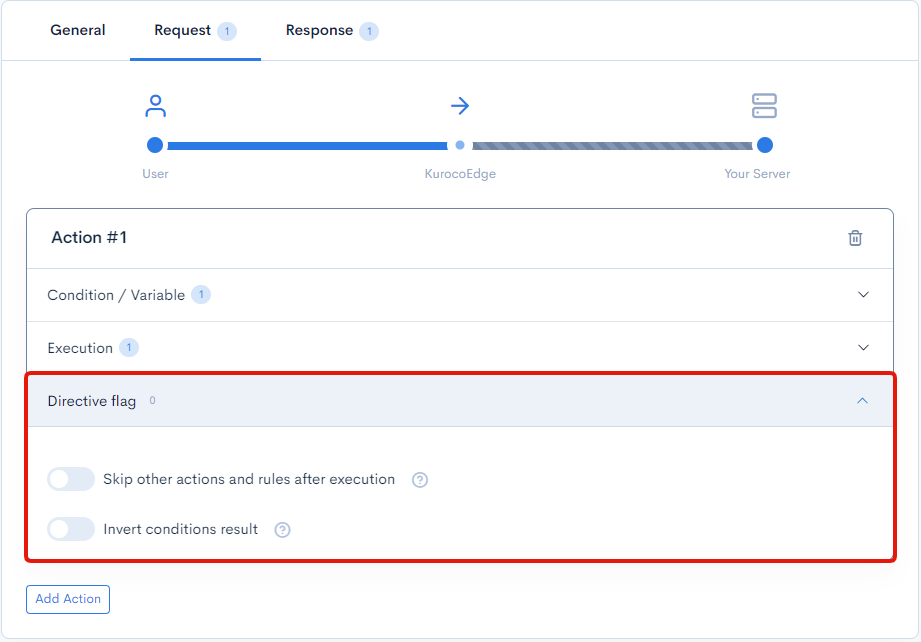
| Item | Description |
|---|---|
| Skip other actions at runtime | Enabling this toggle will skip any following Actions and end the processing if the current Action is applied as expected |
| Invert conditions result | When enabled, it will invert the final result (True/False) of the condition/variable. In other words, if any of the conditions are evaluated as False, then the final result will inverted from False to True and the Action will be executed. |
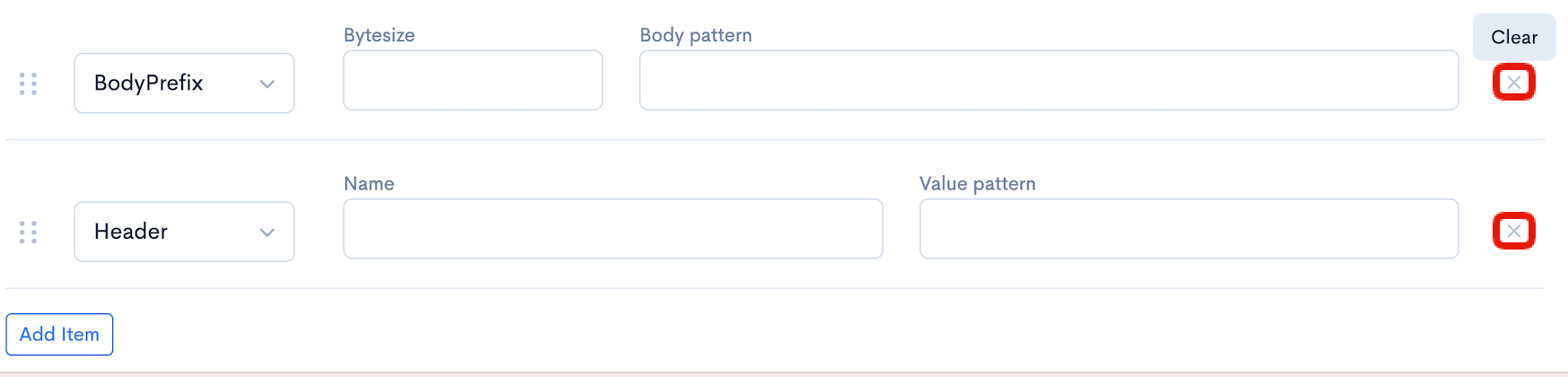
Manage Action Items
Move: change the order of Items

Delete: remove the Item from the Rule
Update/Delete button

| Item | Description |
|---|---|
| Update | Reflect the changes made to the rule. |
| Delete | Delete the displayed rule. |
Support
If you have any other questions, please contact us or check out Our Discord Community.