Rules List
The user can check the basic settings for deployment and a list of rules set for deployment.
Accessing The Screen
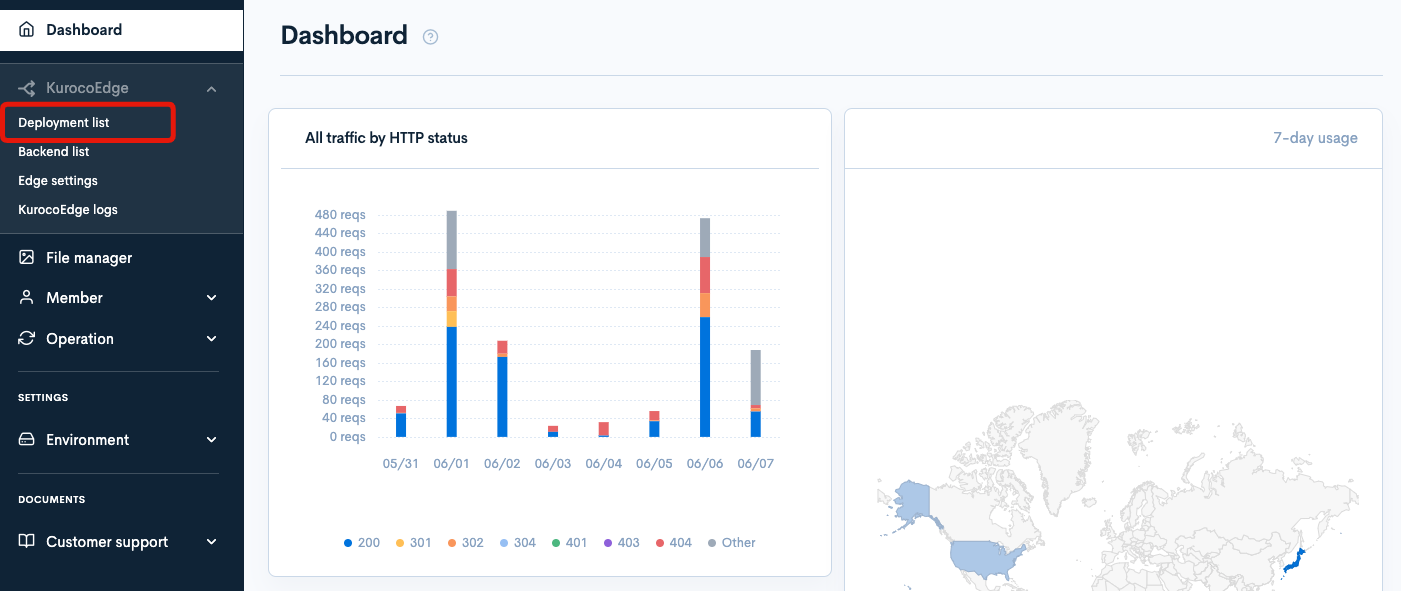
From the side menu, click [KurocoEdge] -> [Deployment List].
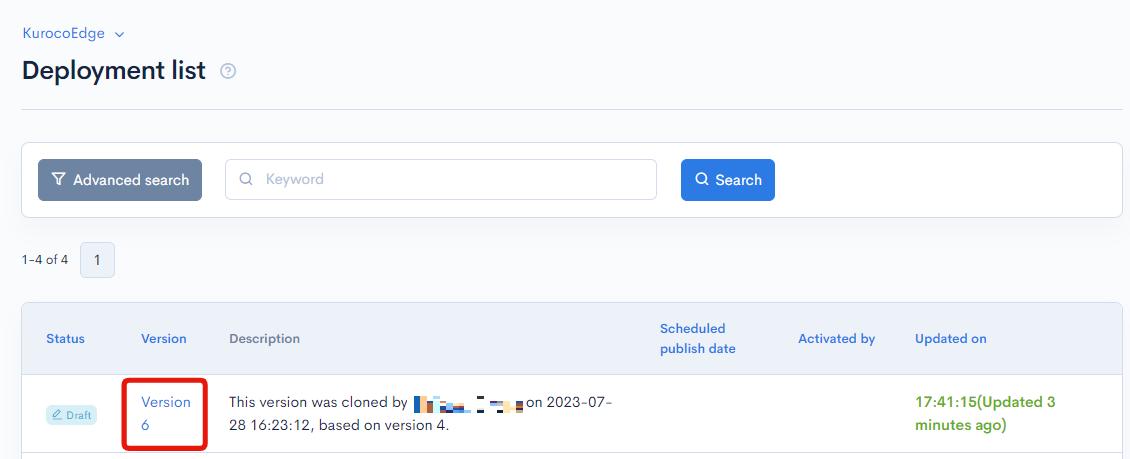
Click on a Deployment's version number to view the Rules List screen.
Field descriptions
Deployment Settings
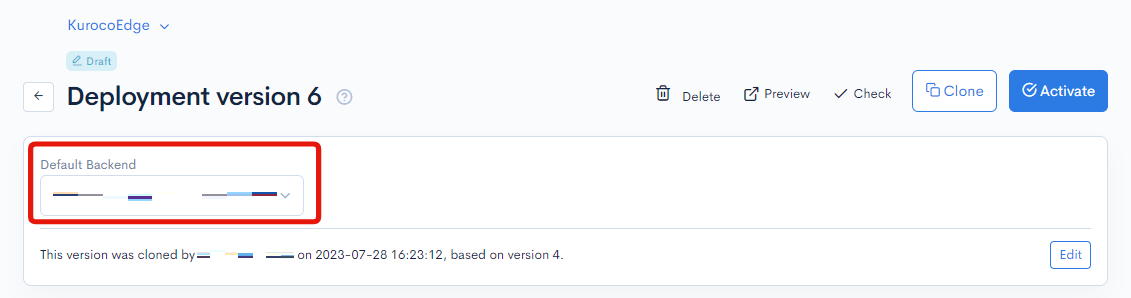
Default Backend
This dropdown displays the selected Default Backend list for the current Deployment.
It can only be edited in Draft mode and allows the user to choose a default backend from the pre-configured list.
Description
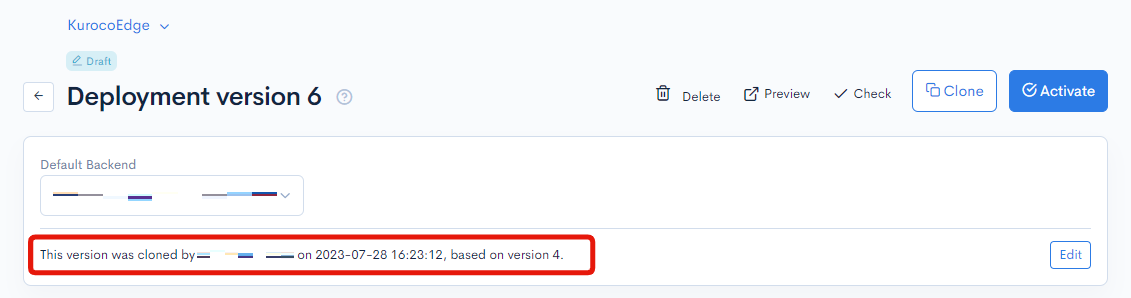
The Description field shows by default the cloning timestamp followed by the user who performed the action.
All users can edit this field for every Status type by clicking the "Edit" button.
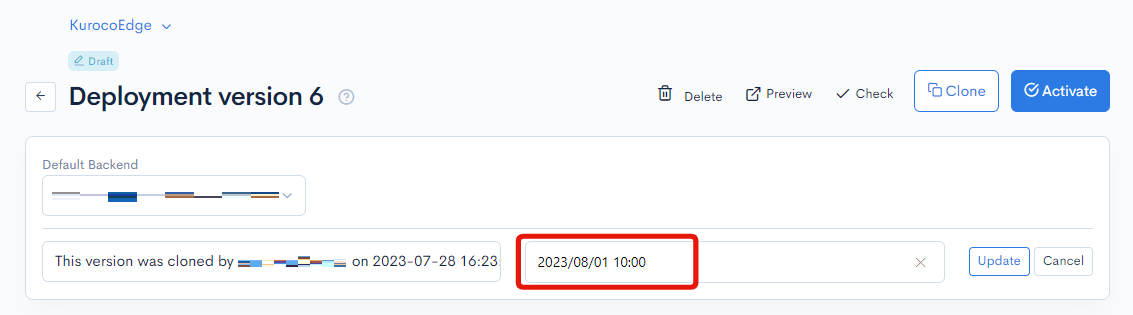
Schedule Publish Date
A publishing date can be scheduled for Draft and Locked Deployments to automatically activate at the date that the user manually enters in this field.
All users can edit this field for every Status type by clicking the "Edit" button.
Manage Deployments
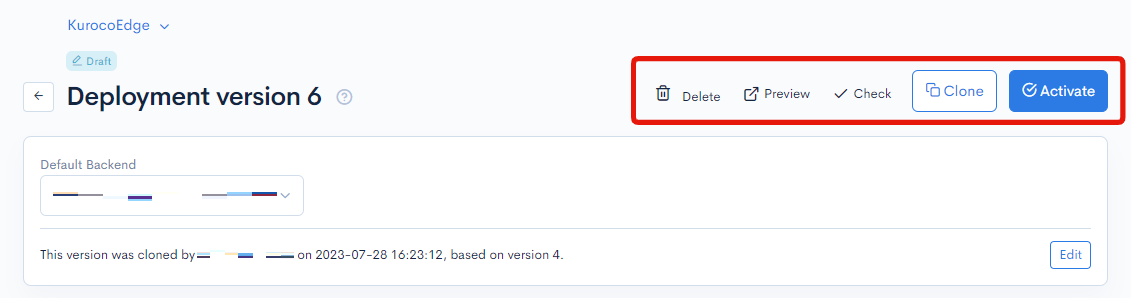
| Button | Description |
|---|---|
| Delete | Allows to delete the Deployment version in Draft and Locked mode. This action is irreversible |
| Preview | Allows to view Deployments in Draft or Locked mode without activating them |
| Check | Allows to view (on a new page) the changes applied on the current version compared to the original content |
| Clone | Allows to create a new Deployment by duplicating any existing version, including its Rules and their settings |
| Activate | Allows to activate Draft and Locked deployments to reflect their configuration on the production website. The currently Active Deployment will get Locked instead |
Rules List
The user can view all Rules in this list, and sort them by Priority (default), URL, and Last Update.
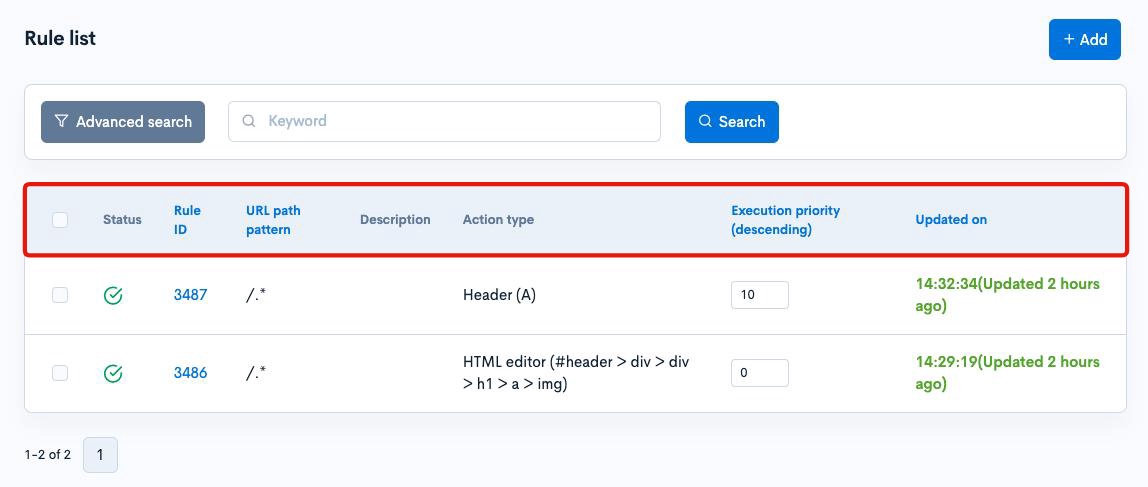
| Field | Description |
|---|---|
| Status | Displays enabled or disabled icon for each Rule |
| Rule ID | Displays the identifier automatically assigned to each Rule |
| URL | Displays the regex of the URL pattern |
| Description | Displays the Rule's description if set by the user |
| Action Type | Displays the Action type and name |
| Priority | Displays the Rule's priority as manually set by the user. A lower numeric value is higher in priority |
| Last Update | Displays the timestamp of the latest modification made to the Rule |
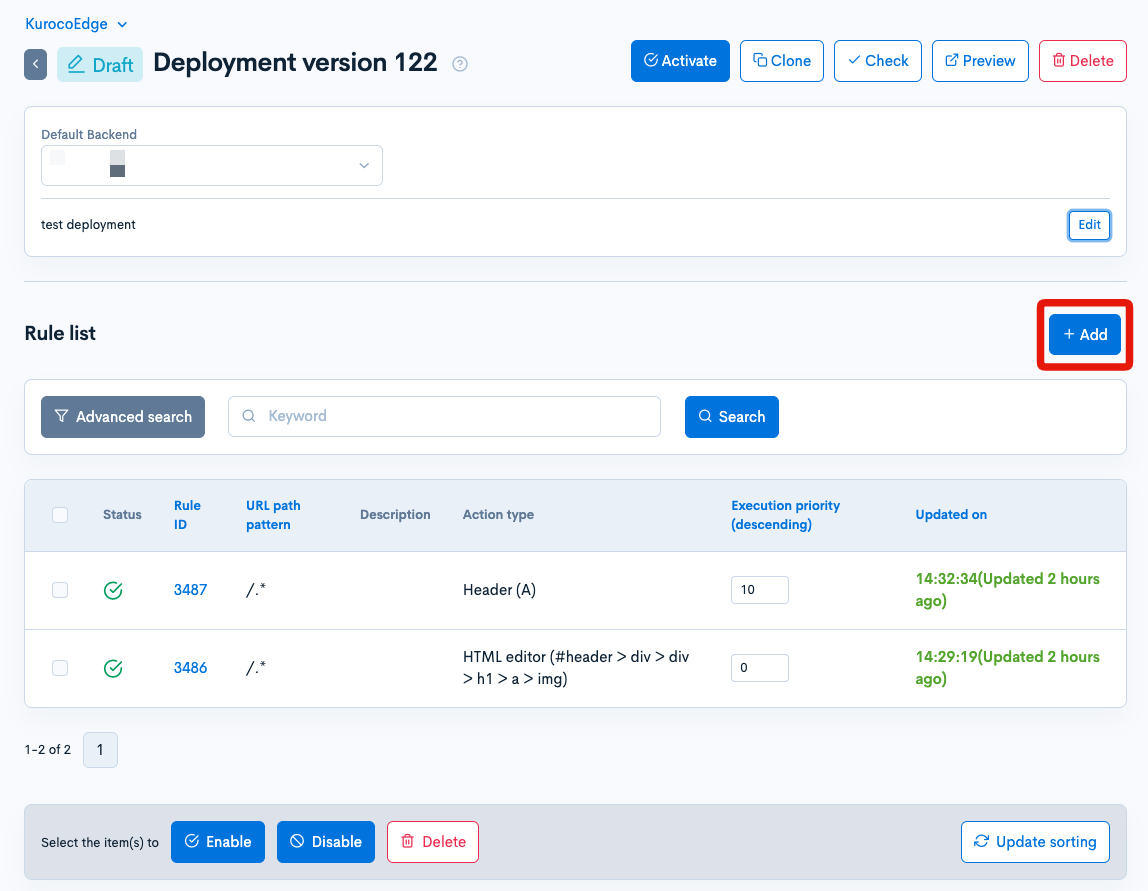
Add Rule
Add button allows the user to add a new Rule under the current Draft Deployment.
Search by Keyword
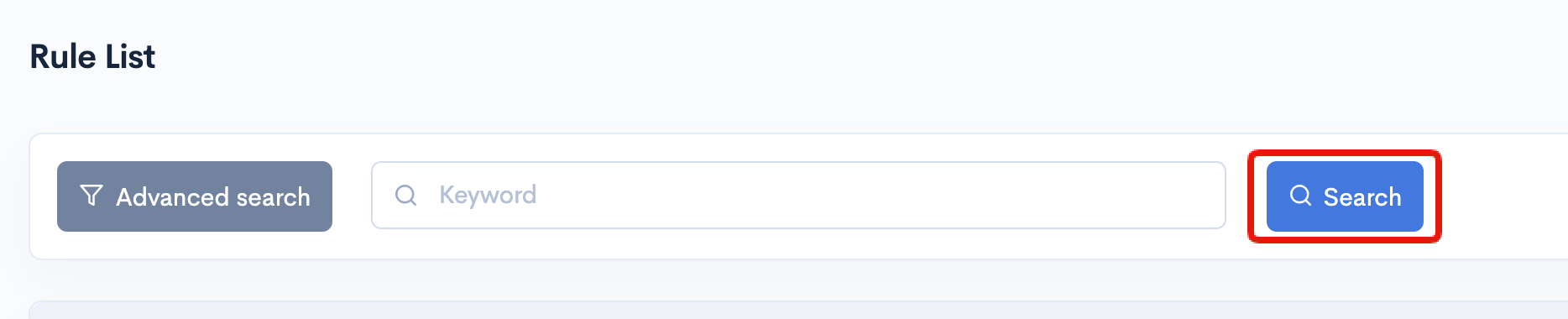
This feature allows the user to search by keyword to get matching results from the URL column. Click the "Search" button to view the results.
Advanced Search
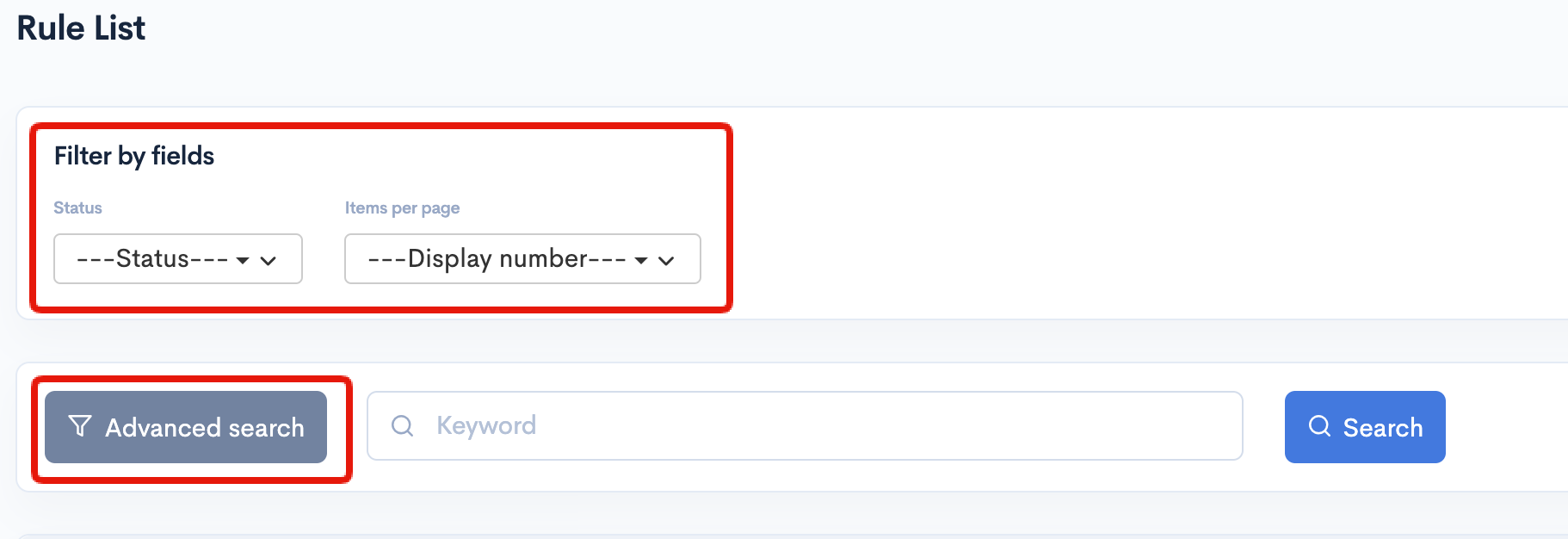
Click on the "Advanced Search" button to display the "Filter by field" options.
"Status" dropdown allows the user to show only one specific Status (Enabled/Disabled) on the list.
"Items per page" dropdown allows customizing the pagination to view 20, 40, 80, or 100 rules on one page of the list.
Batch Actions
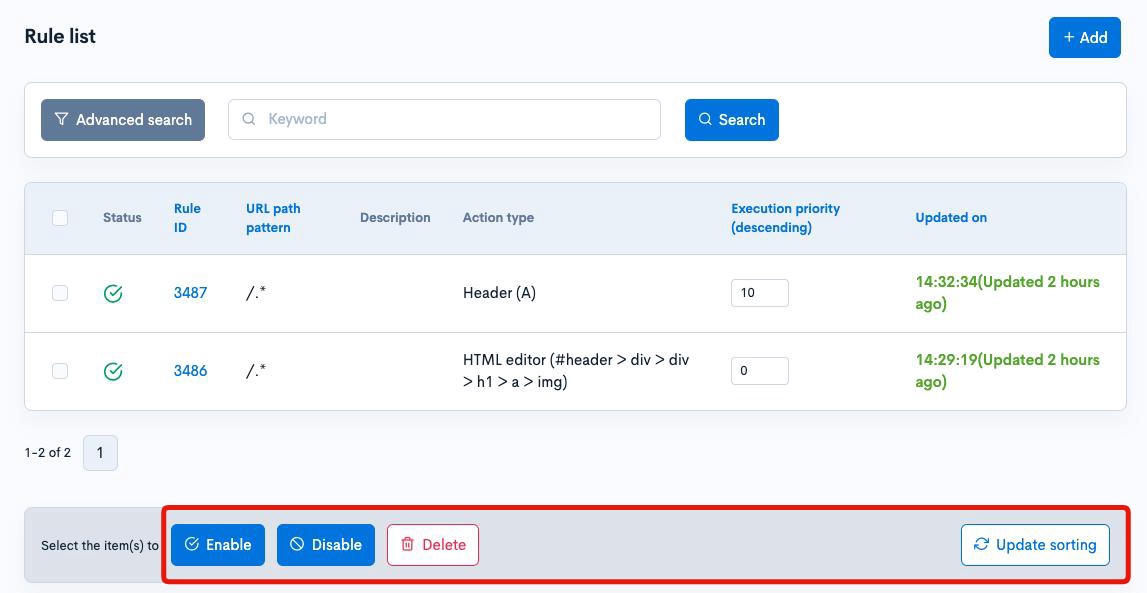
The user can select one, multiple, or all Rules from the list by using the checkbox column to apply batch actions in Draft mode.
| Button | Description |
|---|---|
| Activate | Enables the selected Rule(s) (if currently inactive) |
| Pause | Disables the selected Rule(s) (if currently active) |
| Delete | Removes the selected Rule(s) from the Deployment |
| Update Sorting | Applies changes made to the Priority field on the list |
Support
If you have any other questions, please contact us or check out Our Discord Community.